Brand and social teams
You need a campaign visual before a full production brief is ready.
Start with a defined subject, palette, and audience mood to compare early directions.
Visual creation
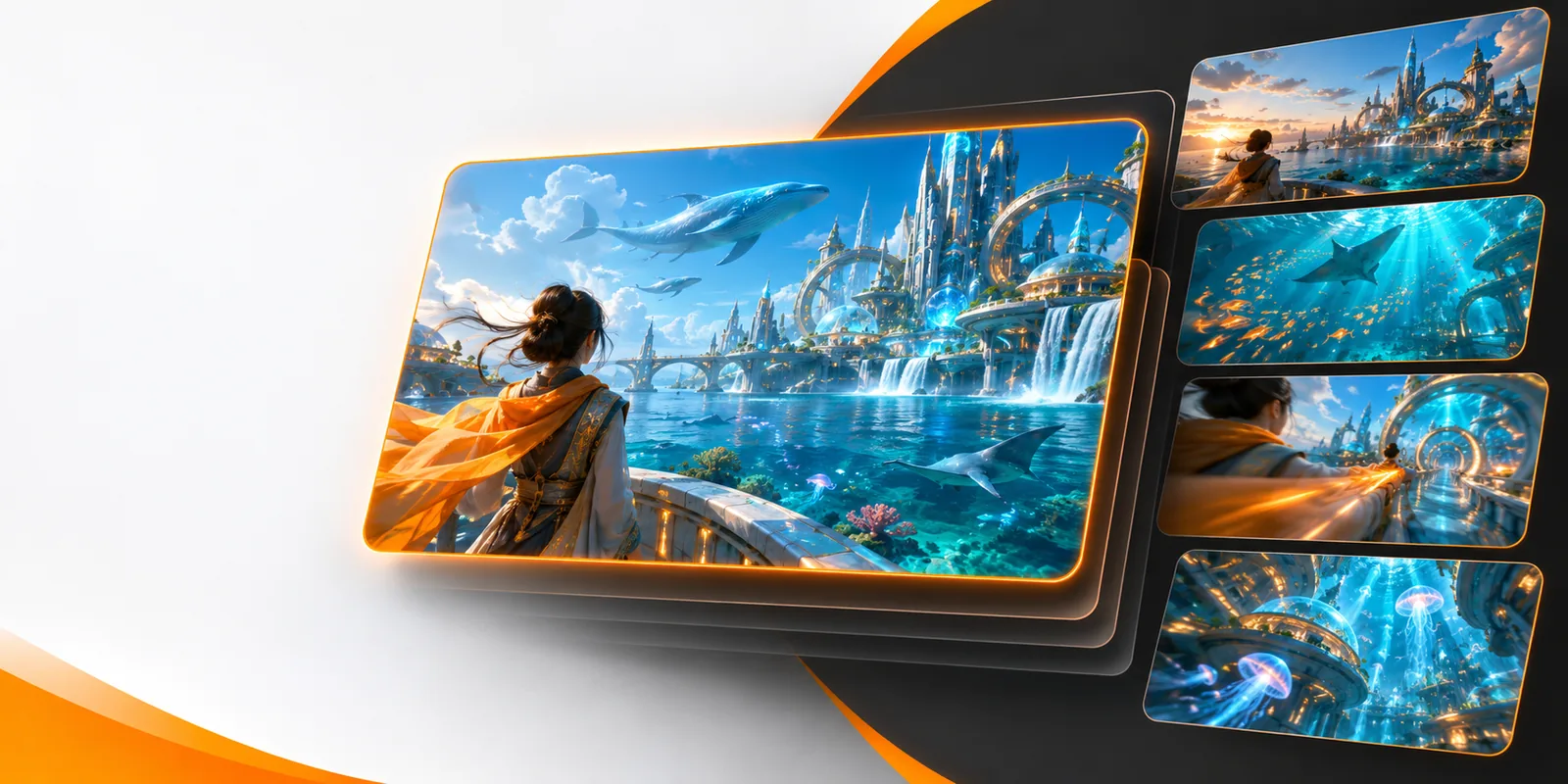
Vheer gives you a prompt-led way to explore images from a written brief. Start with the subject, mood, setting, and composition you want, then refine the description as the visual direction becomes clearer.
Related workflows
Vheer can be approached from several creative starting points, depending on whether your first material is a sentence, an image, or a broader video idea.
Creative starting points
The strongest Vheer workflow depends on the kind of decision you need to make first: style, subject, or narrative direction.
You need a campaign visual before a full production brief is ready.
Start with a defined subject, palette, and audience mood to compare early directions.
You are testing characters, environments, or visual worlds quickly.
Use descriptive prompts to explore composition and atmosphere before polishing details.
You want a visual reference for an explanation, scene, or lesson.
Clarify the setting and action in plain language, then use the result to guide the next draft.
How it works
Vheer works best when each prompt has a clear job. Separate the core subject from the visual treatment, then refine only what needs changing.
Name the person, object, place, or scene that should carry the image. Add the most important action or visual relationship.
Add cues for mood, lighting, color, camera viewpoint, material, or artistic treatment. Keep secondary details optional.
Look for the largest mismatch first, such as composition or subject identity. Adjust one or two details at a time instead of rewriting everything.
Visual comparison
A useful prompt begins as a compact brief and becomes a more specific visual direction through deliberate choices about subject, setting, and mood.
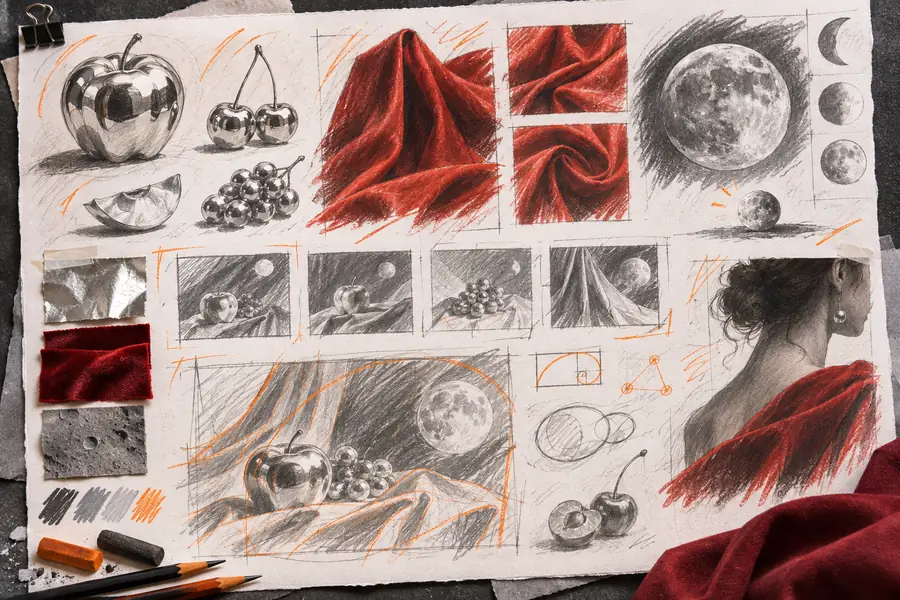

The clearer the brief, the easier it is to judge what needs refinement.
Starting briefVisual directionFraming choices
These familiar aspect ratios can help you describe the intended use of an image. Treat them as briefing references rather than a promise of fixed output controls.
Workflow comparison
The value of Vheer is not that every first result is finished. It is that a concrete visual brief gives you something specific to assess and improve.
| Prompt-led start | Blank-canvas start | |
|---|---|---|
| First decision | Describe the subject and intended visual direction | Decide what to make without a visual starting point |
| Iteration focus | Refine the parts that are visibly off target | Build the full concept before feedback is possible |
| Useful for | Moodboards, references, early concepts, and variations | Detailed work that already has an established process |
| Input needed | A written brief with subject and visual cues | Existing skills, tools, or source material |
| Main risk | Vague wording can produce an unfocused result | Early decisions can be difficult to revise |
| Best next step | Add or remove one meaningful detail | Create a first draft before evaluating direction |
Limits and edges
A Vheer image workflow is useful for exploration, but it should be treated as a starting point rather than a substitute for every production stage.
A short prompt may capture the broad idea without resolving brand rules, references, or approval requirements.
What to do instead
Add audience, palette, composition, and usage context before comparing results.
Posters, labels, interface copy, and other typography-heavy details may need careful checking.
What to do instead
Use the generated image as a visual draft and add final type in a design tool.
If the subject, viewpoint, or desired mood is undefined, the result may feel generic or inconsistent.
What to do instead
Write one sentence for the subject and one sentence for the intended feeling first.
Some outputs may be attractive but unsuitable for the original purpose or audience.
What to do instead
Judge each result against the brief, not only against its surface polish.
Next visual step
Bring Vheer a focused subject and a few visual cues, then use the first result as a reference for the next decision. The process is most useful when you evaluate the image against a real purpose.
Common questions
The vheer ai image generator is a prompt-led workflow for exploring visual concepts from written descriptions. You can describe a subject, setting, mood, and visual treatment, then use the result as a draft or reference.
Begin with the main subject and action, then add the setting and the most important visual cues. Mention lighting, color, viewpoint, or style only when those choices matter to the image you want to assess.
It can be useful for early concepts, moodboards, references, and visual exploration. Review every result against your brand, audience, rights requirements, and production standards before using it in a final deliverable.
Image generation is better suited to visual direction than dependable final typography. For posters, labels, or layouts with exact wording, use the generated image as a base and add or correct the text separately.