Creative planner
You need a visual direction for a campaign, article, presentation, or early concept before production begins.
Use Vheer to test mood, subject, setting, and composition while the idea is still easy to change.
Prompt to visual
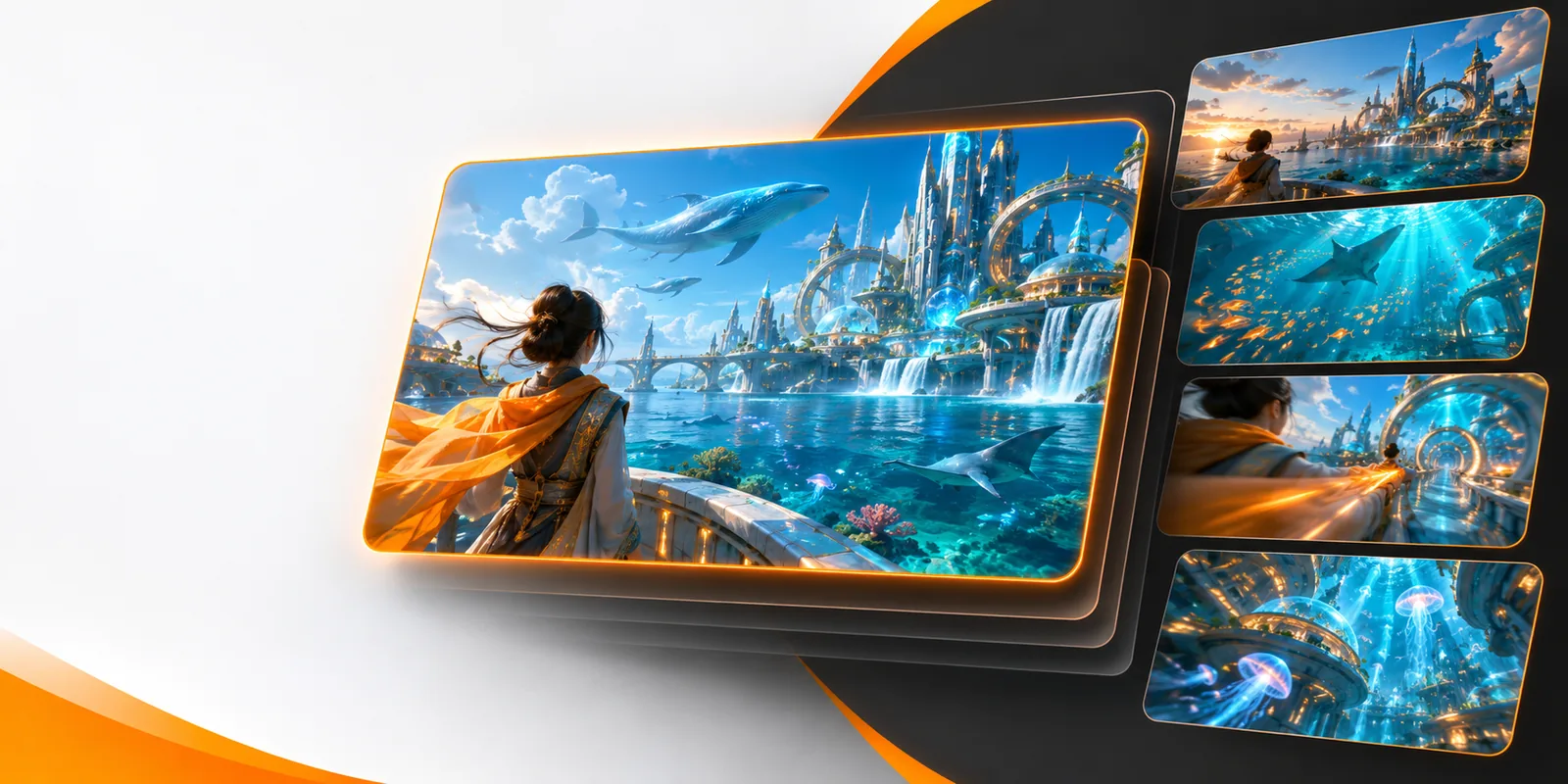
vheer text to image turns a written idea into a visual starting point. Use a clear brief, review the result, and refine the details that matter most.
Related workflows
Choose the Vheer route that matches the kind of asset you want to make.
Practical uses
The strongest results usually begin with a specific purpose, not a long list of disconnected style words.
You need a visual direction for a campaign, article, presentation, or early concept before production begins.
Use Vheer to test mood, subject, setting, and composition while the idea is still easy to change.
You have a finished idea but need a supporting image that matches its tone and gives the audience something concrete to see.
Write the subject and context first, then refine the image around the most important visual cues.
You want to compare several directions for color, lighting, framing, or atmosphere without committing to one final treatment.
Treat each Vheer output as a draft in a visual exploration loop, keeping the brief focused enough to compare variations.
How it works
A simple sequence keeps the brief clear and makes each revision easier to judge.
Name the main subject, its action or position, and the setting. Put the most important visual fact at the beginning.
Describe the mood, lighting, viewpoint, colors, and composition only when they support the outcome you want.
Check the image against your brief, identify the biggest mismatch, and revise that detail before adding more instructions.
At a glance
Thinking in two columns helps separate what you control in the brief from what you evaluate in the result.
| Text prompt | Generated image | |
|---|---|---|
| Starting material | A written description of the intended scene | A visual interpretation of that description |
| Main decision | Which subject and details matter most | Whether those details appear clearly |
| Best use | Define direction before production | Review mood, framing, and visual emphasis |
| Iteration | Rewrite unclear or competing instructions | Compare the result with the original brief |
| Strong input | Specific nouns and ordered priorities | A clear visual goal for evaluation |
| Common risk | Too many unrelated style requests | A result that misses the central subject |
Set expectations
Vheer can help develop a visual direction, but a prompt is not a guarantee of exact control.
Broad wording can leave the subject, setting, or composition open to interpretation.
What to do instead
Use concrete nouns and state the visual priority first.
A single written brief may not preserve precise placement, identity, or proportions.
What to do instead
List non-negotiable elements and review the result as a draft.
Text inside an image can be misspelled, distorted, or placed inconsistently.
What to do instead
Add important typography later in a dedicated editor.
The live Vheer workflow may expose different options as the product evolves.
What to do instead
Check the current interface before planning a large batch.
Visual comparison
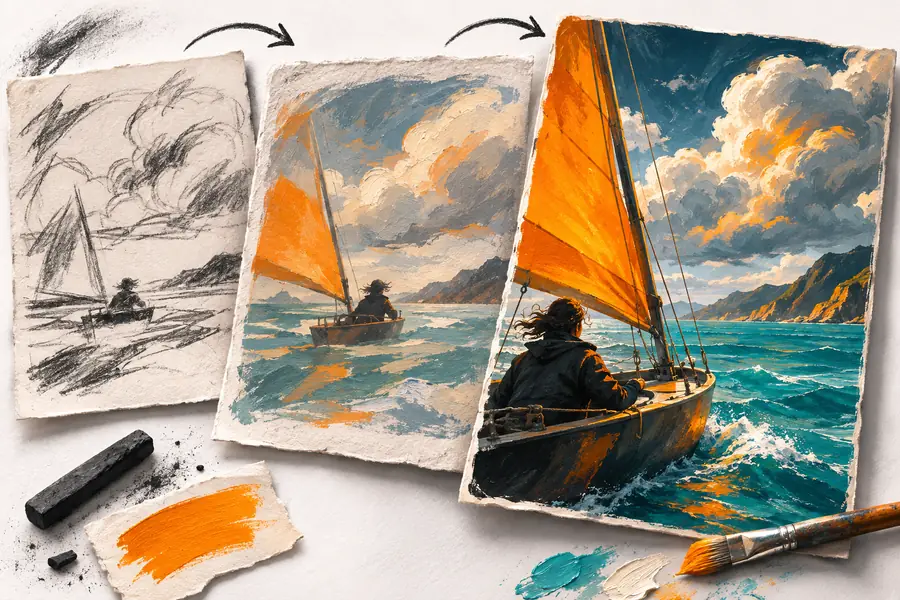

The useful change is from an abstract brief to a concrete reference that can be reviewed, edited, or shared.
Written directionVisual resultNext step
Start with one focused subject and a clear setting, then let the first Vheer result reveal what needs more direction. A short review loop is usually more useful than an overloaded opening prompt.
Common questions
The text-to-image route starts with a written description and returns a visual interpretation of that brief. Treat the first result as a draft, then refine the wording if important details are missing.
Name the subject, setting, mood, composition, and important constraints in plain language. Specific nouns and ordered priorities usually provide a clearer brief than a disconnected list of style words.
Do not assume that one text prompt will preserve an exact identity, layout, or small lettering. If precision matters, state the non-negotiable elements and plan a review or editing pass.
Shorten the prompt, move the missing detail closer to the subject description, and remove competing instructions. If the problem is lettering or precise placement, finish that part in a separate editor.
The relevant route is the text-to-image workflow rather than the video routes. Use the live Vheer handoff to confirm the current controls before starting a larger set of images.