The visual planner
You have a scene in mind but no reference image yet.
Start with a detailed written brief and define the subject, action, camera, and mood in that order.
Prompt to motion
vheer text to video is a focused starting point for turning a written scene description into a visual sequence. Begin with the subject, action, setting, and mood you want to explore.

Related paths
Start here
A strong run begins with a clear visual brief. You do not need production terminology, but you do need enough detail for the intended scene to be understood.
Name the main person, creature, object, or environment and give it one or two recognizable visual traits.
State what changes during the shot, such as walking, turning, rising, drifting, or a slow camera movement.
Add the location, time of day, lighting, color direction, and mood that should shape the finished sequence.
Worked example
The following example shows how a loose idea can become a more useful scene brief without turning the prompt into a long list of unrelated instructions.
| Loose idea | Directed prompt | |
|---|---|---|
| Subject | A fox | A red fox with a thick winter coat |
| Setting | In a forest | A misty pine forest clearing at dawn |
| Action | It walks | The fox crosses the clearing from left to right |
| Camera | Make it cinematic | A slow camera push-in keeps the fox centered |
| Light | Morning light | Soft golden light filters through the trees |
| Mood | Mysterious | Quiet, watchful, and slightly mysterious |
Practical choices
Different starting points suit different jobs. Choose the route that matches the material you already have and the kind of result you want to review.
You have a scene in mind but no reference image yet.
Start with a detailed written brief and define the subject, action, camera, and mood in that order.
You need a still frame to settle the look before thinking about motion.
Develop a key visual first, then use it as a reference for a later moving sequence.
You want to test several scene directions from short creative descriptions.
Use the broader video workflow to compare concepts, pacing ideas, and visual treatments.
You are preparing a short social concept or visual pitch.
Keep each prompt centered on one clear shot so the visual idea is easy to assess and revise.
From words to frames
A before-and-after comparison is most useful when it exposes the gap between a vague instruction and a directed scene brief.
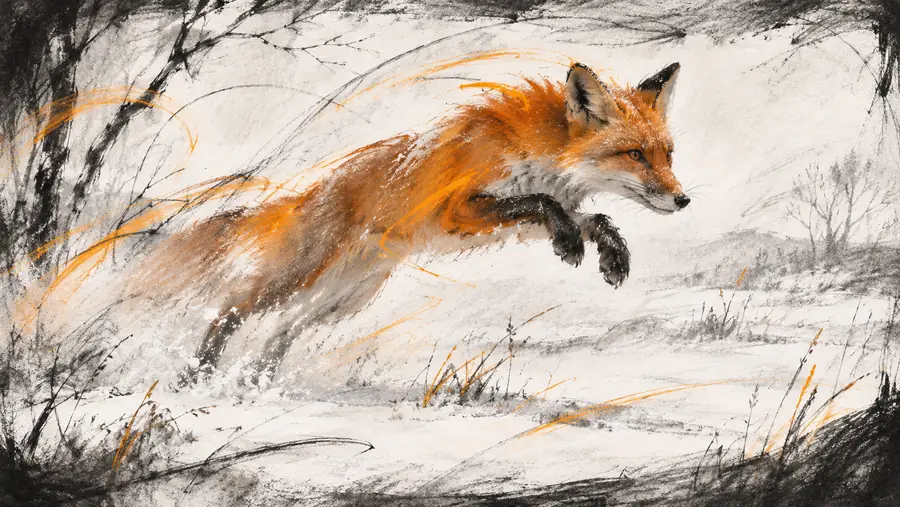
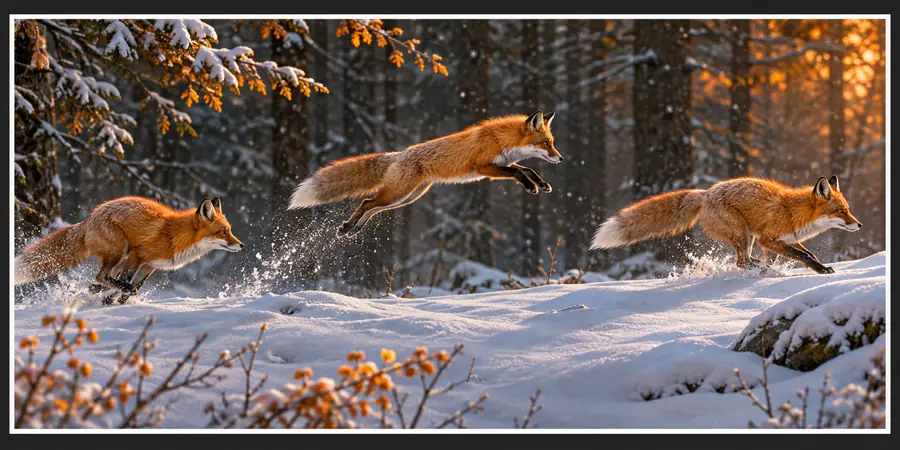
Specificity gives the scene a clearer point of view.
Undirected briefDirected briefTake the next step
Write one subject, one action, and one setting before adding style. That simple order makes revisions easier and gives you a concrete starting point for exploring motion with Vheer.
Common questions
The phrase refers to a workflow where written scene instructions are used as the starting point for a video concept. The practical focus is translating subject, action, setting, and visual direction into a prompt that can be reviewed and refined.
Begin with the main subject and describe what it does. Then add the setting, camera behavior, lighting, and mood; keeping the shot centered on one clear action usually makes the brief easier to evaluate.
You can write cinematic direction into the brief by describing framing, camera movement, lighting, atmosphere, and pacing cues. Treat those details as creative instructions rather than a guarantee of a particular finished look.
Compare the output with the prompt and identify the first unclear element: subject, action, setting, or camera direction. Revise that one element directly before adding more style language, so you can tell which change improved the scene.