Storyboarding teams
A storyboard frame needs a short motion study before the scene is approved.
The team can inspect camera direction, atmosphere, and subject movement from the same visual foundation.
Image motion workflow
vheer image to video helps you start with a single visual and shape a moving result around its subject, composition, and intended mood. Use the workflow below to plan a cleaner handoff.
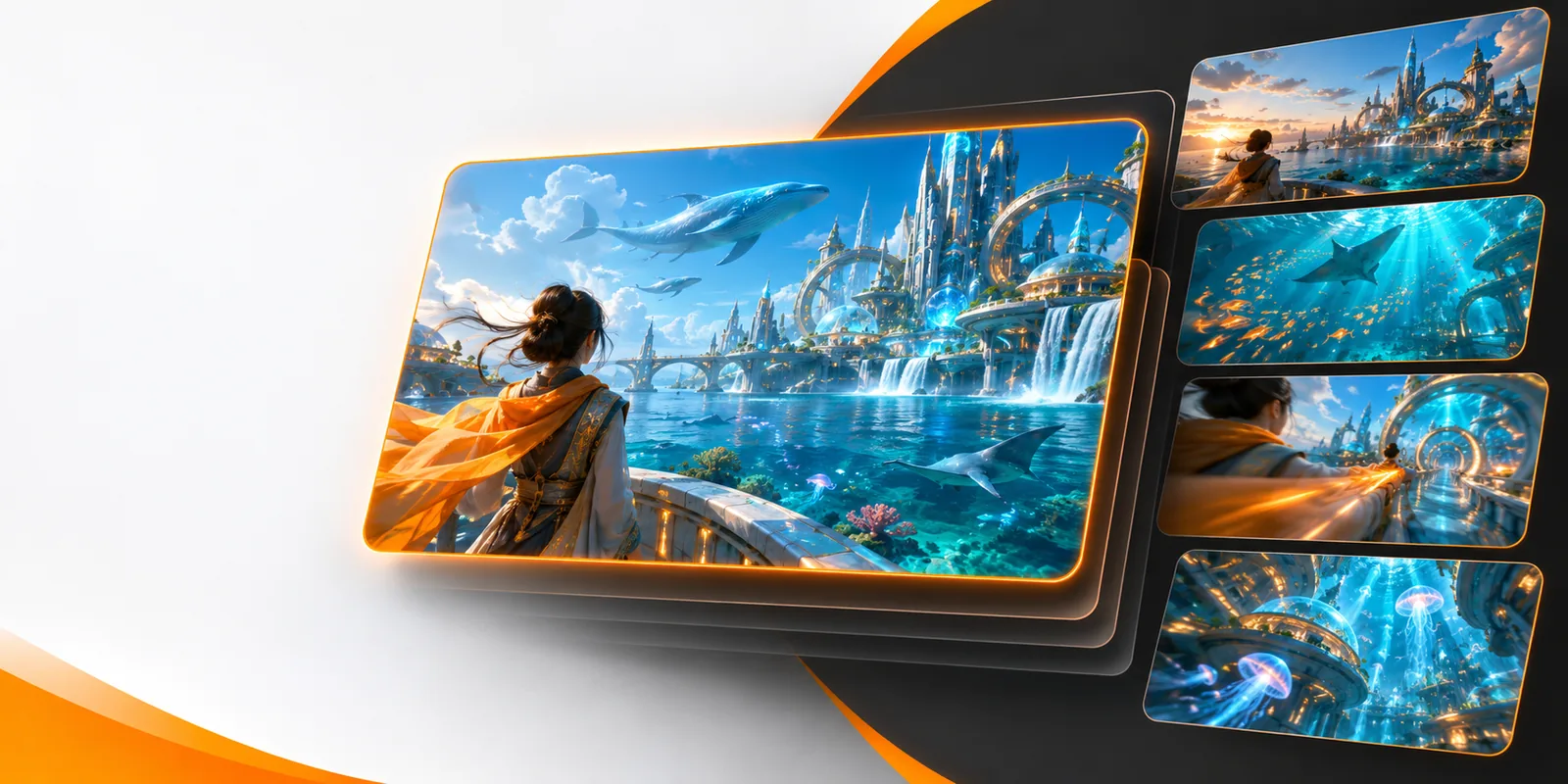
Explore related routes
The best route depends on whether your idea begins as a still image, written description, or broader video concept.
Practical use cases
Image-to-video is most useful when the source image already carries the look, subject, or layout and the next step is controlled movement.
A storyboard frame needs a short motion study before the scene is approved.
The team can inspect camera direction, atmosphere, and subject movement from the same visual foundation.
A polished product still needs movement for a social post or campaign concept.
The original composition stays central while motion adds energy and helps the idea read in a feed.
A finished illustration should become a living scene without rebuilding its visual identity from scratch.
The artwork remains the reference point while the motion brief defines atmosphere and pacing.
A single keyframe needs to communicate how light, fabric, weather, or a camera move might behave.
A moving study makes the concept easier to review before a larger production decision.
Simple handoff
A strong result starts with a readable source image and a motion request that says what should move, how it should move, and what should remain stable.
Use a still with a clear subject, readable depth, and a composition you want to preserve. Remove distractions before you begin when possible.
Name the camera action, subject motion, environmental change, and emotional tone. Specific direction is more useful than a string of unrelated effects.
Check whether the subject stays coherent, the camera follows your intent, and the motion supports the original image. Refine the brief when the result drifts.
Set expectations
Starting from an image gives you visual control, but it does not remove the normal uncertainty of generative motion.
The source image only shows part of the scene, so unseen areas may be interpreted rather than reproduced exactly.
What to do instead
Keep the requested camera move modest and describe important off-screen details explicitly.
Small gestures, fingers, facial details, text, and complex interactions can change during animation.
What to do instead
Use a simpler motion brief and make the main subject large and easy to read.
Motion can introduce reframing, depth changes, or background movement that alters the balance of the still.
What to do instead
State which elements must remain fixed and avoid asking for several major camera moves at once.
Generated motion is a starting asset, not a guarantee of final timing, continuity, or brand-ready polish.
What to do instead
Treat the result as a concept clip and review it before placing it into a larger sequence.
Route comparison
Both routes can support moving visual ideas, but they begin from different sources and give you different kinds of control.
| Image to video | Text to video | |
|---|---|---|
| Starting point | A supplied still image | A written scene description |
| Visual reference | The source image anchors the subject and composition | The prompt must establish the visual direction |
| Best for | Animating an existing frame, artwork, or product still | Exploring a scene before a source image exists |
| Prompt emphasis | Movement, camera behavior, and what should stay stable | Subject, setting, style, action, and movement together |
| Main strength | Preserves a chosen visual foundation | Supports open-ended scene ideation |
| Main uncertainty | Unseen areas and detailed motion may be interpreted | The generated look may differ from the intended visual identity |
| Useful next step | Review motion and refine the movement brief | Create or select a still when visual consistency becomes important |
Visual handoff
The comparison below represents the core transformation: one visual reference becomes the basis for a motion-directed result.


The source sets the visual direction; the motion brief sets the change.
Source imageMotion resultA focused process
The route is easier to evaluate when you separate the source image, the movement request, and the review step instead of treating them as one vague prompt.
Ready to animate
Bring a clear source image and a focused motion brief. The image-led workflow gives you a concrete visual starting point while leaving room to explore movement and atmosphere.
Variant FAQ
These answers clarify what this route means and when it is the most sensible starting point.
Image-to-video generation starts with a still visual and produces a moving video concept from it. The image supplies the visual foundation, while the request describes motion, camera behavior, or atmosphere.
Choose it when you already have a subject, composition, illustration, or product frame that you want to preserve while adding movement. It is less suitable when you are still inventing the entire scene from words.
Describe the main movement first, such as a camera push, subject gesture, drifting atmosphere, or changing light. Also say what should remain stable so the motion has a clear priority.
Not always. Hidden areas, fine details, text, and complex interactions may be interpreted during motion, so the result should be reviewed against the source image.