Art directors
Test several moods, compositions, or campaign worlds before briefing a larger production.
A visible direction makes feedback more concrete and helps a team align earlier.
Creative workflow
vheer ai is a creative starting point for turning written direction into visual concepts. Use this guide to understand the workflow, set realistic expectations, and move from an idea to a usable draft.
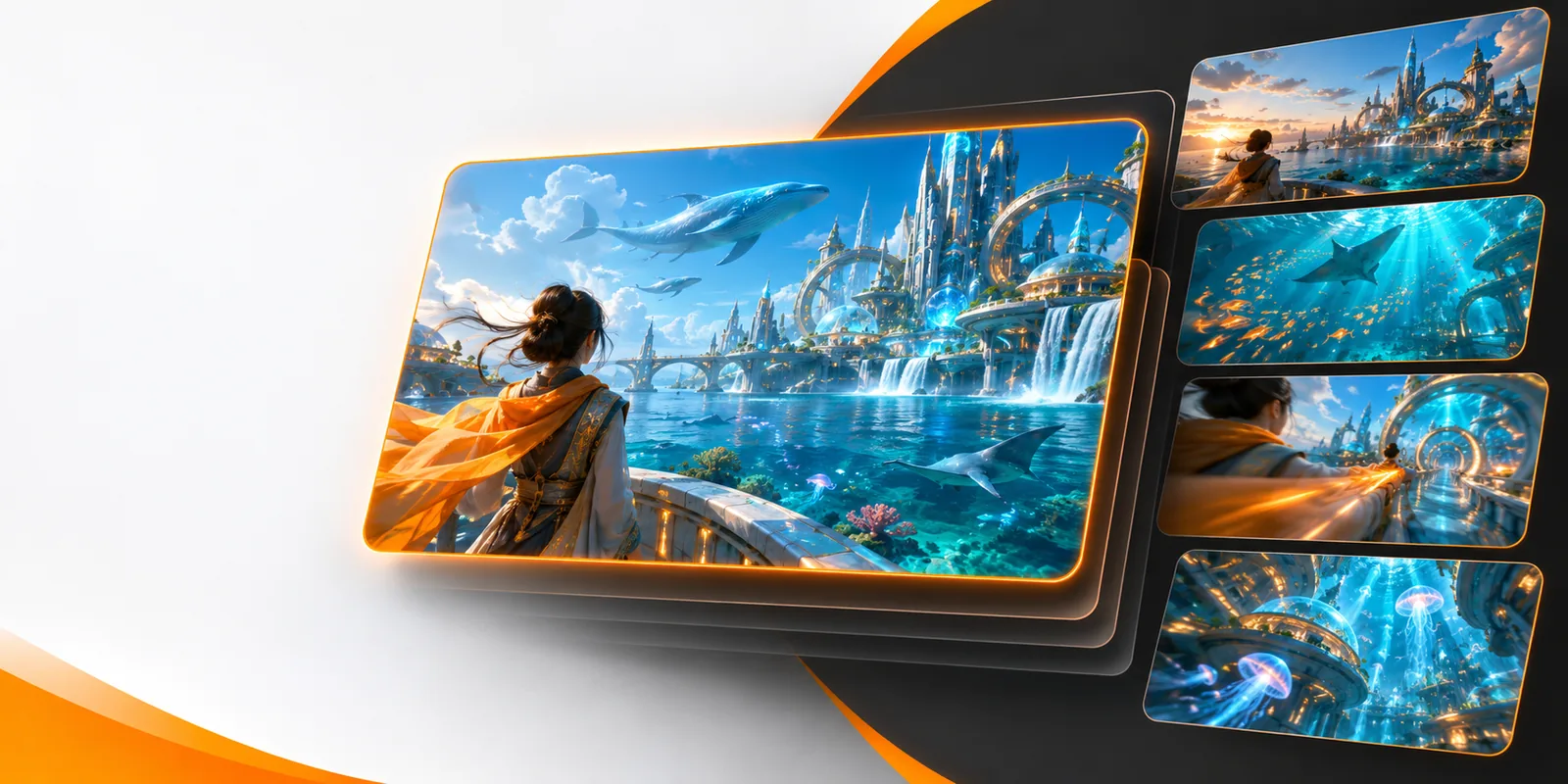
vheer ai refers to an AI-assisted creative workflow for developing visual concepts from natural-language direction. It is best understood as a way to explore possibilities quickly, not as a replacement for creative judgment or final production review.
The most reliable results come from a clear brief, a deliberate review step, and a willingness to refine the direction. The workflow can accelerate exploration, but it does not remove the need to make creative decisions.
A short prompt may leave camera angle, materials, lighting, scale, or mood open to interpretation.
What to do instead
Name the subject, setting, visual style, composition, lighting, and the detail that matters most.
Generated concepts may need several rounds before they match the intended composition or tone.
What to do instead
Change one or two variables at a time so you can see which instruction improves the result.
Text, labels, anatomy, product details, and other precise elements may require careful inspection.
What to do instead
Treat outputs as drafts and verify important details before publishing, presenting, or handing them to production.
The tool can help visualize a direction, but context, rights, brand fit, and audience suitability remain human responsibilities.
What to do instead
Keep a review checkpoint between generation and any public or commercial use.
A practical vheer ai session is a short loop: describe the goal, inspect the visual direction, then refine the brief with specific feedback.
State what should appear, where it belongs, and what the viewer should notice first. Concrete nouns and visual relationships give the system a stronger starting point.
Look past the first impression and check composition, hierarchy, mood, legibility, and whether the result actually supports the original brief.
Adjust the most important mismatch instead of rewriting everything. Small changes to setting, lens feel, lighting, or subject detail can clarify the next attempt.
Different creative roles can use the same visual workflow at different stages, from early ideation to presentation and handoff.
The value of an AI-assisted workflow is easiest to see when a loose idea becomes a more specific visual direction that a team can discuss.
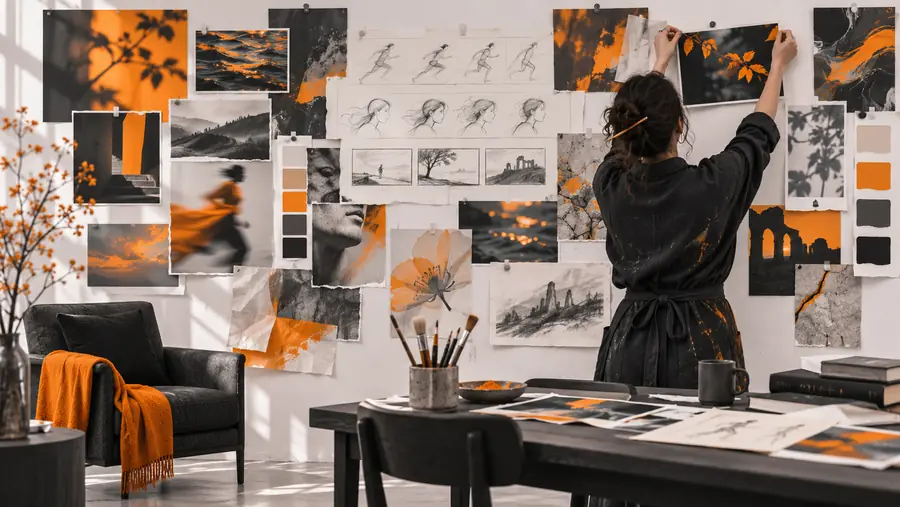

The second pass is still a draft: inspect details, compare it with the brief, and refine before treating it as final.
Broad directionRefined conceptvheer ai is most useful when you compare its role with the alternatives around it. The distinction is not human creativity versus automation; it is guided iteration versus starting every visual decision from zero.
| AI-assisted workflow | Manual-first workflow | |
|---|---|---|
| Starting point | A written brief becomes an immediate visual direction. | The creator begins with a blank canvas or separate reference search. |
| Iteration speed | Multiple directions can be explored during early ideation. | Each direction may require more manual setup before comparison. |
| Control | Control is expressed through clear prompts and selective refinement. | Fine control is available directly from the first mark or edit. |
| Precision | Broad visual relationships are easier than exact small details. | Detailed adjustments can be made directly when the craft time is available. |
| Review responsibility | The user must inspect generated details and fit for purpose. | The creator remains responsible for every manual decision. |
| Best early use | Moodboards, concept exploration, campaign directions, and visual references. | Final illustration, exact production assets, and pixel-level finishing. |
The strongest use cases are situations where a team needs to see and compare possibilities before committing to a detailed production path.
Test several moods, compositions, or campaign worlds before briefing a larger production.
A visible direction makes feedback more concrete and helps a team align earlier.
Turn a written editorial or social concept into a visual reference for planning.
Writers, designers, and stakeholders can discuss the same visual target before polish begins.
Explore the atmosphere and subject of a sequence before developing movement and timing.
A stronger starting frame can clarify the intended visual language for later motion work.
Visualize an early product story, launch theme, or interface-adjacent concept for internal review.
Teams can compare directions without treating the first generated image as a final asset.
Bring one focused idea to the workflow, review the first direction carefully, and refine what matters most. The result is a faster way to discuss possibilities while keeping creative control with you.
These answers address the main intent behind the vheer ai search and explain how to approach the workflow realistically.
vheer ai is an AI-assisted creative workflow for exploring visual ideas from written direction. It can help turn a concise brief into a concept that people can review, compare, and refine.
You begin with a description of the subject, setting, mood, and important visual details. The resulting direction should then be inspected and refined rather than accepted automatically as a finished asset.
It can support early concept development, mood exploration, campaign directions, visual references, and planning for image or video work. Its strongest role is helping teams see possibilities before committing to detailed production.
No. It can accelerate visual exploration, but people still decide what is appropriate, accurate, on-brand, and ready for use. Human review remains important for detail, context, rights, and final production quality.